
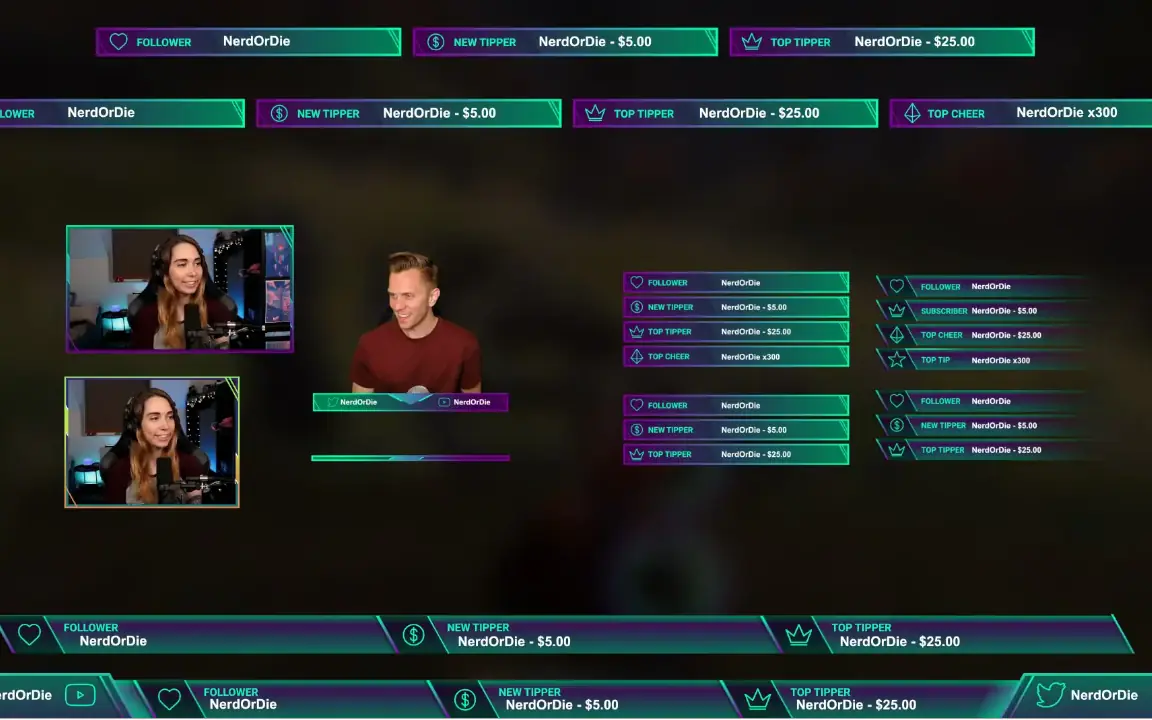
When it comes to choosing the right overlay, there are countless options available online. Some are cheap, some are flashy, some are just static graphics packaged nicely. But not every overlay is built for a clean and professional OBS overlay setup or a reliable Streamlabs setup.
Before deciding which overlay to use, it’s important to understand what actually matters for performance, flexibility and long-term usability.
Let’s break it down.
Design
The first thing people notice about your stream is the design. A good overlay should be modern, clean and focused on what truly matters: your content.
Overlays that are overloaded with unnecessary shapes, borders and effects often distract from gameplay or your webcam. A professional stream overlay keeps the focus on the essentials. Clear spacing, structured layout and subtle accents make a big difference in perceived quality.
Another important factor is animation. Many overlays are just static images or video files. While that might look good at first glance, animated elements – when used properly – give your stream a more dynamic and premium feeling. Subtle transitions, animated alerts and smooth scene elements elevate your stream overlay for OBS to the next level.
The key is balance. Animation should support your content, not dominate it.
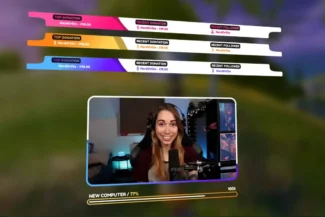
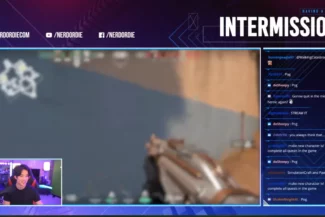

Integrability in OBS Studio and Streamlabs
A great design is useless if it cannot be integrated properly.
Not every overlay provider ensures full compatibility with OBS Studio and Streamlabs. Some designs are delivered as simple video files, which limits customization and often complicates scene management.
For a professional OBS overlay setup, the structure behind the scenes matters just as much as the visuals. Clean source organization, properly layered files and optimized widgets make your workflow easier and reduce technical issues during live streams.
Reliable OBS support is essential. Without proper compatibility, scaling problems, broken widgets or performance drops can quickly turn your stream into a frustrating experience.
A well-built overlay should integrate seamlessly into both OBS and Streamlabs without requiring complicated workarounds.
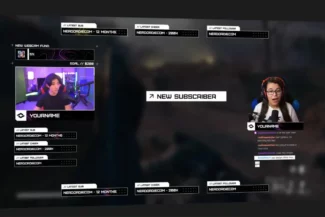
Customization and Adaptability
One of the biggest mistakes streamers make is choosing an overlay that cannot grow with them.
Many overlays are nothing more than a single rendered video file. This means you cannot easily adjust elements, move components or change colors. You are locked into a fixed layout.
A proper overlay for a professional streamlabs setup or OBS setup service should allow customization according to your personal preferences and content type.
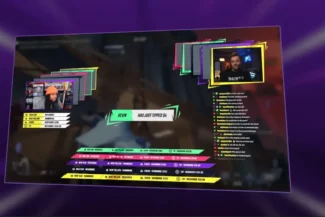
Scenes should be built modular, not flattened. Elements should be adjustable. Colors are often configurable so you can match your brand identity. Some high-quality overlays even include Adobe source files, giving you full control if you want deeper adjustments.
Adaptability is also crucial for vertical content. With platforms like TikTok, YouTube Shorts and vertical streaming becoming more relevant, overlays should be adjustable to vertical canvases without breaking the design.
Your overlay should work for today’s content – and tomorrow’s formats.
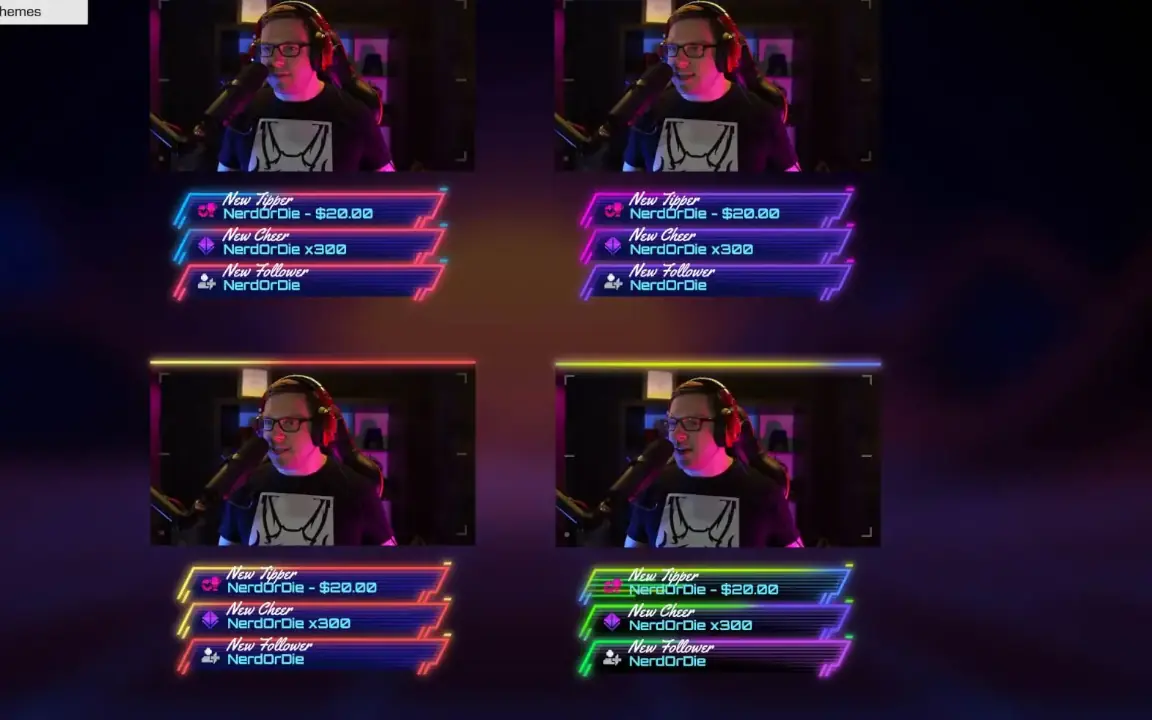
Widgets and Interactive Elements
Overlays are not just decoration. They are interactive systems.
Modern stream overlays include widgets such as alerts, event lists, goals and chatboxes. These elements are essential for engagement and community building.
High-quality overlays don’t just design the alert box – they also define how the alert appears, how the animation works and how text enters the screen. The same applies to chatboxes. It’s not just about the frame around the chat, but about how messages animate, fade in or react.
For a professional OBS overlay setup, widgets must be responsive, visually consistent and technically stable. Goals, donation alerts and event lists should integrate smoothly without cluttering the stream.
The difference between amateur and professional setups often lies in these details.
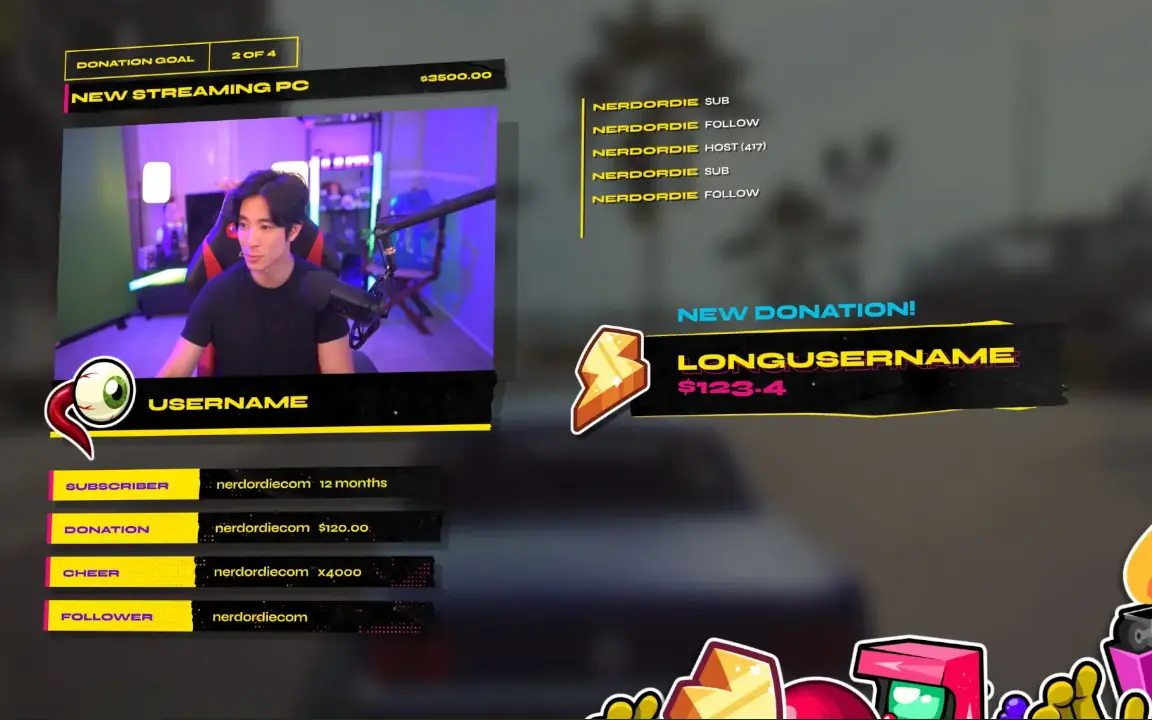
Choosing the Right Overlay Provider
There are many overlay providers on the market, but not all offer the same level of structure, customization and OBS compatibility.
Platforms like Nerd or Die provide overlays that are not just static files, but modular systems designed specifically for OBS Studio and Streamlabs. Their packages often include customizable scenes, adjustable colors, widget integrations and source files for further editing.
If you want to save time and avoid technical headaches, choosing a provider that focuses on proper OBS support and structured overlay systems makes a big difference.
And if you prefer not to deal with the technical setup yourself, I offer a professional OBS overlay setup service and Streamlabs setup, ensuring your overlay is fully integrated, optimized and tailored to your stream.
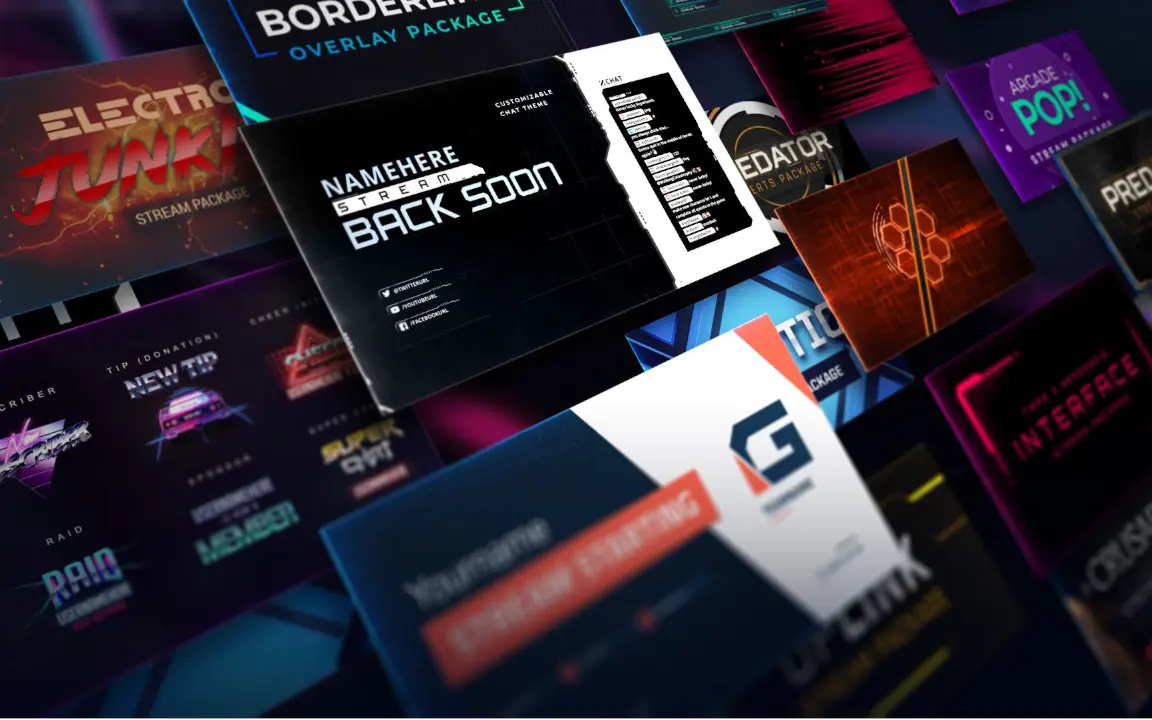
Let me know, if you need help setting everything up! Reach out for free!