
Hardware-Interfaces
When it comes to Hardwareinterfaces there are plenty of options on the market. The most common ones are the GOXLR from TC-Helion, the Roadcaster from RODE and the Wave XLR. While everyone of those interfaces has its pros and cons and specific purpose of use, I recommend a different product at the end.
The ideal inteface for most content creators WOULD be the GOXLR. Since years there are rumors, that TC-Helion would drop the support, wont provide anymore updates and therefore the device would die soon. It kept going for years BUT in early 2026 the updateservers are no longer reachable. This does lead to users purchasing brand new GOXLRs can no longer update the firmware and therefore get constant error-messages.
So sadly the GOXLR is no longer an option. It had a lot of features, ports and jacks and was relativly cheap.
In order to deside what inteface is the right one for you, you have to find out what type of content you want to create. I categorize into the following categories:
- Podcaster, Multi-Microphone and Musicians
- Gaming-Content and Single-PC-Setups
- Multi-PC & PC-Console-Setups
The intefaces needed for that purposes differ a lot by features, software and price, so lets get into it.
Podcasting & Multi-Microphone-Usage
If your content is mainly podcasting and/or having multiple microphones in use at the same time, there is realy only one interface to go – The Roadcaster Series. They are specifically designed for that prupose, high qualty in built and software and customizable. Also they have balanced input for Instruments, so musicians benefit from them.
While you dont have to be an audio-engeneer to set them up, especially the routing and mixing with those interfaces is complicated and you will need the Documentation to set them up.
With highqualty comes high price aswell. They start at arround 400 Euros.
I only recommend those interfaces for Multi-Microphone-Users and Musicians.
Gaming-Content with Single-PC-Setups
If your content does not invole having guests in your recording-enviroment you can go with a cheaper interface. After all, all that is important is, the device/software does enable us to have multiple virtual outputs for our splitting and maybe some routing options.
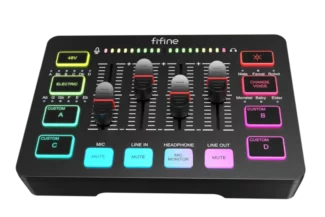
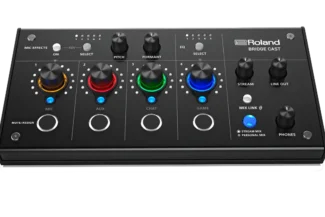
The Fifine Interface or the Roland Bridgecast does the trick here. Simple but not super indepth and customizable but you still have hardware faders to controll your volume.
Multi-PC & PC-Console Interfaces
This is where we need more complex and advanced devicese, specifically designed or intent to also have multi-streaming-setups in use.
The interfaces must have the option to import a second pc or console via line in or even better, optical audio. Without that, you cant really get the job done. This interfacese does come with a higher price, but are worth the money.
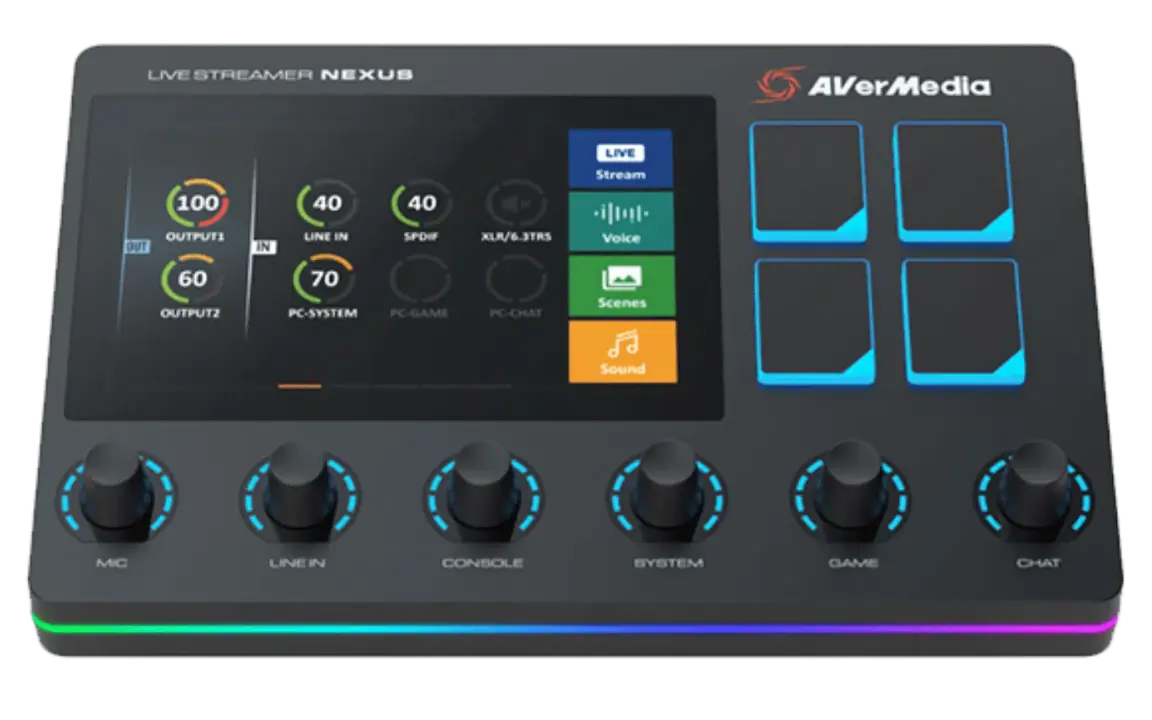
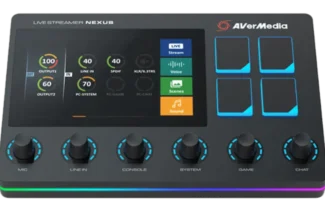
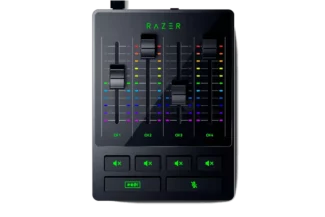
Recommendations are, the Avermedia Streamernexus, Stream 200 XLR or the Razer Audio Mixer. They all come with optical inputs wich is needed for the purpose of connecting multiple devices witout the risk of intefeerence or noise.
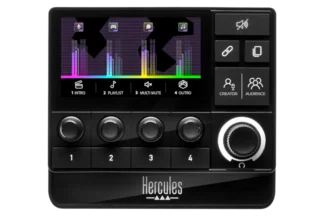
You see, there are plenty of options, there might even be more, however those are my favorites!
If you have questions make sure to reach out for free, so we can find the right interface for you or make an appointment to set it up!
Software Interfaces
Not everyone is in need to have hardware on its desk to controll everything. Some Creators are fine with adjusting everything in software. However Software-Interfaces lack the ability to connect additional devides. So routing-wise, they dont perform.
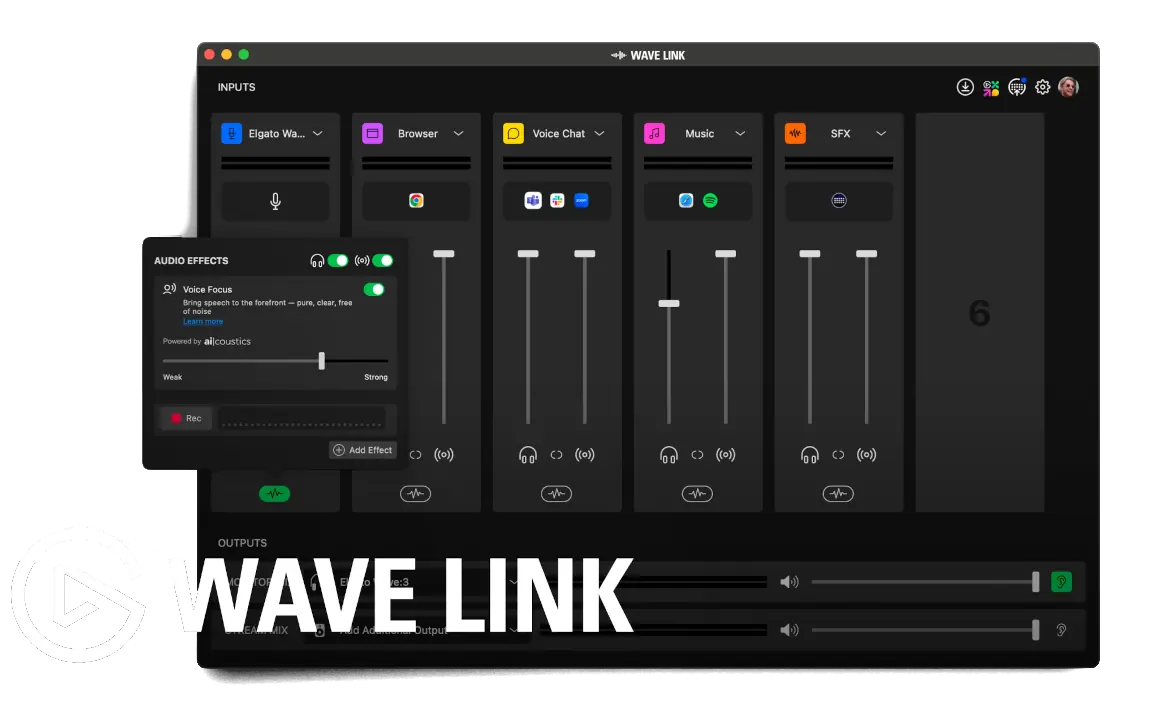
The best Software-Interfaces are Elgato Wavelink, Steelseries Sonar and Rodeconnect.
The most advanced is definetly Elgato Wavelink BUT you have to purchase a suiting microphone or Streamdeck to get access to the software. Steelesries Sonar and RodeConnect are completley free, but less advanced.
All three Software does give access to Mixing and a “Stream-Mix” – perfect for your OBS and Streamlabs.

Let me know, if you need help setting everything up! Reach out for free!