
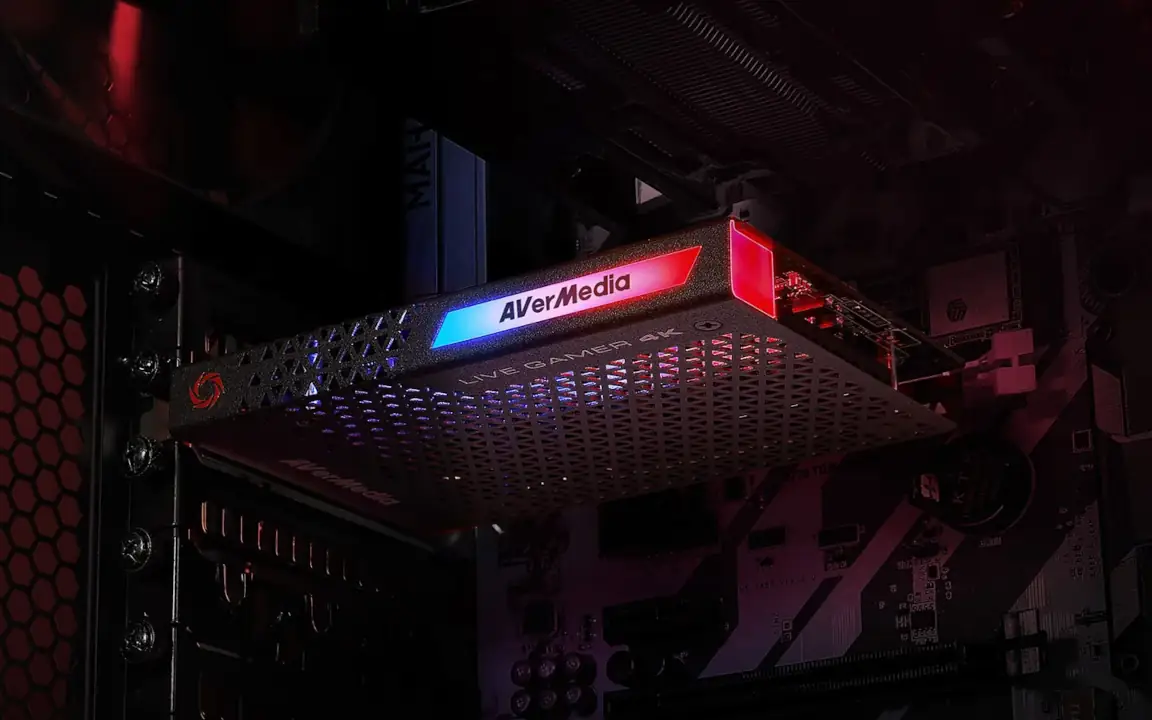
The Capture Card Myth – Do Capture Cards Reduce CPU Load for Streaming?
Streaming hardware is surrounded by half-knowledge and marketing promises. One of the biggest misconceptions in the streaming world is the role of the capture card. Many beginners believe that buying a capture card will improve stream quality, reduce CPU load, or even take over encoding completely.
In reality, most of these assumptions are wrong.
This guide explains what a capture card actually does, what the myth is, and when you truly need one for your streaming setup.
What Is a Capture Card and What Does It Actually Do?
A capture card is a hardware device that captures a video signal from an external source and transfers it to your computer. That source can be:
-
A gaming console (PlayStation, Xbox, Switch)
-
A second PC in a dual PC streaming setup
-
A camera with HDMI output
The capture card receives the HDMI signal and makes it available inside streaming software like OBS or Streamlabs.
Its main function is simple:
It captures and transfers video and audio signals.
That’s it.
A capture card does not magically improve your stream quality. It does not replace your GPU. It does not automatically optimize your setup. It is simply a bridge between devices.
The Myth – Do Capture Cards Reduce CPU Load or Handle Encoding?
This is where the biggest misunderstanding happens.
Many streamers believe that adding a capture card to a single PC streaming setup will reduce system load or improve performance. That is incorrect.
A capture card does not take over encoding.
Encoding is the process of compressing your video into a streamable format. This task is handled by:
-
Your CPU (x264 encoding), or
-
Your GPU (NVENC / AMD encoder)
Even if you use a capture card, your computer is still responsible for encoding the video stream.
This means:
-
A capture card does NOT reduce CPU load in a single PC setup.
-
A capture card does NOT replace GPU encoding.
-
A capture card does NOT increase FPS in your game.
The only time a capture card indirectly reduces system load is in a dual PC streaming setup. In that case, the gaming PC sends its signal to a second PC. The second PC then handles encoding and streaming. The performance gain does not come from the capture card itself — it comes from splitting tasks across two machines.
The capture card is just the connection between them.
USB Capture Card vs PCIe Capture Card
When looking for the best capture card for streaming, you will often see two main types: USB and PCIe.
USB Capture Cards
USB capture cards are external devices connected via USB. Popular examples include:
-
Elgato HD60 X
-
Elgato HD60 S+
-
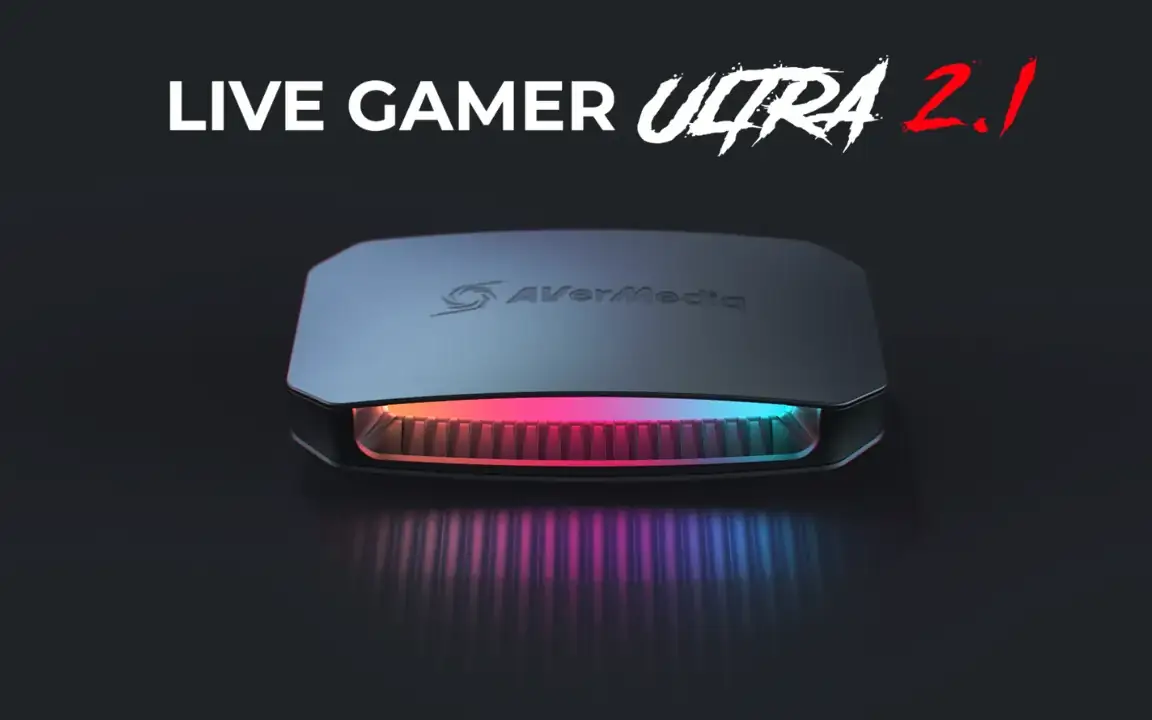
AverMedia Live Gamer Portable series
Advantages:
-
Plug and play
-
Portable
-
Easy to install
-
Perfect for console streaming
Disadvantages:
-
Slightly higher latency
-
Limited bandwidth compared to PCIe
-
Dependent on USB controller stability
For most beginners and console streamers, a USB capture card is more than sufficient.
PCIe Capture Cards
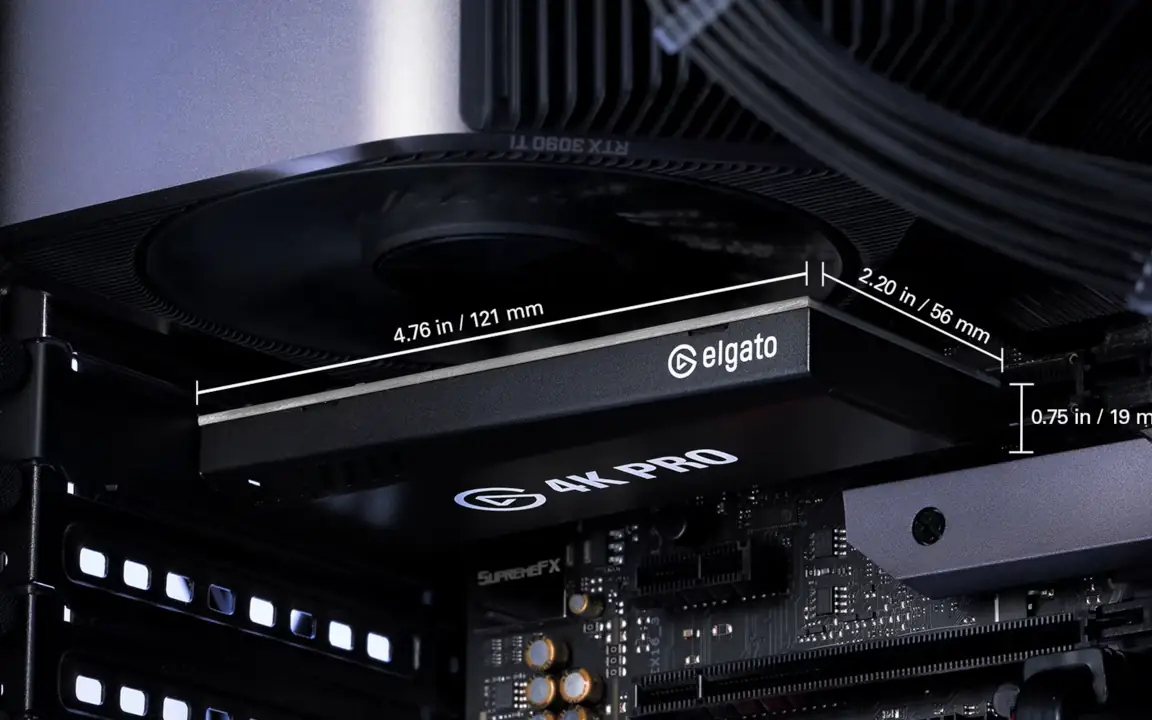
PCIe capture cards are internal cards installed directly into your motherboard. Popular examples include:
-
Elgato 4K60 Pro
-
AverMedia Live Gamer 4K
Advantages:
-
Lower latency
-
Higher bandwidth
-
More stable under heavy load
-
Better for 4K or high frame rate capture
Disadvantages:
-
Requires installation inside the PC
-
Not portable
-
Higher cost
PCIe capture cards are ideal for dual PC streaming setups or high-end production environments.
When Do You Actually Need a Capture Card?
You need a capture card if:
-
You stream from a console.
-
You use a dual PC streaming setup.
-
You capture HDMI cameras for streaming.
You do NOT need a capture card if:
-
You stream and game on the same PC.
-
You only capture gameplay from your own system.
In a single PC streaming setup, OBS captures your game directly from the system. A capture card would add unnecessary complexity without providing real performance benefits.
Buying Recommendations – Popular Capture Cards for Streaming
If you are looking for reliable capture cards in 2026, these are among the most common and trusted options:
For console streaming or simple setups:
-
Elgato HD60 X
-
AverMedia Live Gamer Mini
For dual PC streaming setups:
-
Elgato 4K60 Pro (PCIe)
-
AverMedia Live Gamer 4K
When choosing a capture card, consider:
-
Resolution support (1080p vs 4K)
-
Frame rate (60 FPS vs 120+ passthrough)
-
Latency
-
HDR support
-
Compatibility with OBS and Streamlabs
Avoid buying a capture card just because you think it will improve performance. Buy one only if your setup architecture actually requires it.
The Real Problem: Wrong Expectations
The capture card myth exists because marketing often blurs the line between “capture” and “encoding.”
Many beginners search for terms like:
-
“Does a capture card reduce CPU usage?”
-
“Do I need a capture card for streaming?”
-
“Best capture card for single PC streaming?”
The honest answer is simple:
A capture card is a signal bridge — not a performance upgrade.
If your stream is lagging in a single PC setup, upgrading your CPU or GPU will help. Buying a capture card will not.
Final Thoughts – Don’t Fall for the Capture Card Myth
Understanding the real function of a capture card helps you avoid unnecessary expenses.
For single PC streaming, focus on:
-
Strong GPU encoding
-
Balanced CPU performance
-
Proper OBS configuration
For dual PC or console setups, a reliable capture card becomes essential — but it is still only one part of the system.
If you are unsure whether your setup actually requires a capture card, analyzing your current streaming PC architecture before investing can save you money and frustration.
A professional streaming setup is built on understanding — not on myths.
Ready to Build the Right Streaming Setup?
If you’re still unsure whether you actually need a capture card, or if you’re considering upgrading to a dual PC streaming setup, the most important step is understanding your system architecture first.
Many streamers invest in hardware that doesn’t solve their real bottleneck. The result is frustration, wasted money, and unstable streams.
If you want clarity instead of guesswork, I offer:
-
Personalized streaming hardware consultations
-
Full dual PC streaming setup planning
-
Architecture analysis for gaming + streaming performance
-
Optimization strategies for stable, professional broadcasts
Whether you’re a beginner trying to avoid common mistakes or an ambitious creator planning a high-performance dual streaming setup, I help you design a system that actually fits your goals.
Build smart. Stream stable. Scale with confidence.
If you’re ready to take your setup seriously, get in touch and let’s build the right foundation for your stream.
— not on myths.